What Loom can do
Every tool you need.
Nothing you don't.
Loom is built around a single idea: your creative instinct should never be slowed down by the app. Every feature is considered, every interaction designed to disappear.
A canvas that moves with you
Loom's canvas is a 3000×3000 point infinite workspace — pinch to zoom, pan to explore. Everything you place lives at full resolution, no compression, no quality loss.
- Import from your camera roll or shoot directly in-app
- Drag, scale, and rotate any object with familiar gestures
- Layer objects in any order — tap to bring forward or send back
- Set a custom background colour per board
Words & lines, just right
Add freehand scribbles with PencilKit precision, or layer text in any of our curated typefaces. Both tools are fully positioned and transformable — just like photos.
- 10 curated typefaces including Didot, Baskerville, and Gill Sans
- Font size from 12 to 120pt with a smooth slider
- 8 text colour options including Loom's signature taupe accent
- Optional border on any object — choose colour and width
Didot & Georgia
Serif
Gill Sans & Futura
Sans-serif
Text colours
Export exactly what you mean
Three export formats designed for how you actually share work — whether that's saving a wallpaper, sending to a client, or archiving a full project.
- Full Board (1:1) — the complete canvas at maximum resolution
- Phone Screen (9:16) — perfect for wallpapers and Stories
- Square (1:1) — cropped to the visible area, great for social
Sync, share, and trust.
Loom boards are kept in perfect sync via iCloud. When you share a .loomboard file, it carries a cryptographic signature — so recipients always know it's yours, untampered.
- Automatic iCloud sync — no setup required
- Conflict detection and resolution built in
- Board grouping — organise into categories
- Signed
.loomboardformat with full manifest validation
Editorial
summer-palette.loomboard
Signed · 2.1 MB
Arrange with intelligence.
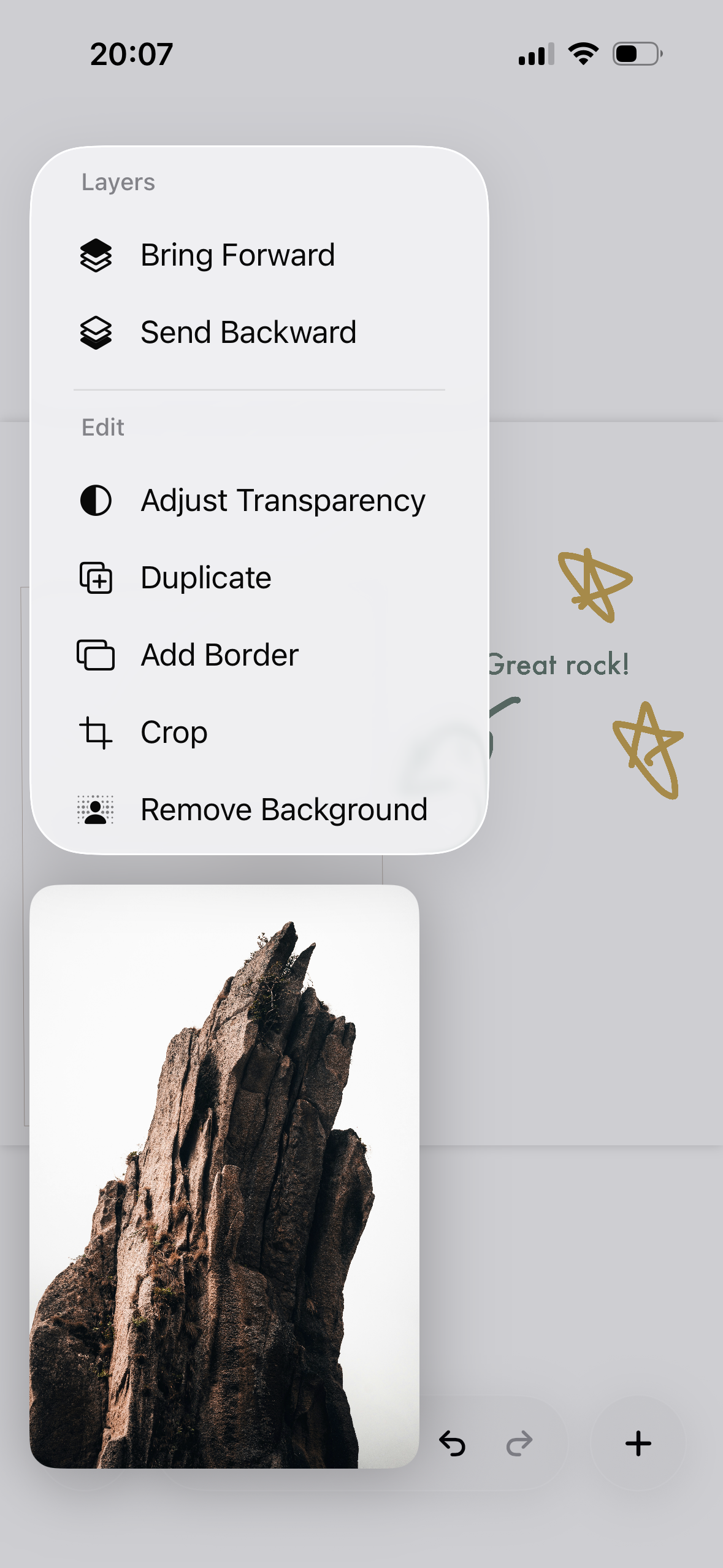
Tap once and let Loom's AI place every item on your board into a cohesive layout. Pick your style, preview the result, then accept or discard — no commitment required.
- Choose from a range of layout styles — grids, scattered, panoramic bands, and more
- Before/after swipe preview — compare before you commit
- Save as a new board, or accept in place
- Beta feature, with usage tracked weekly
Edit every detail.
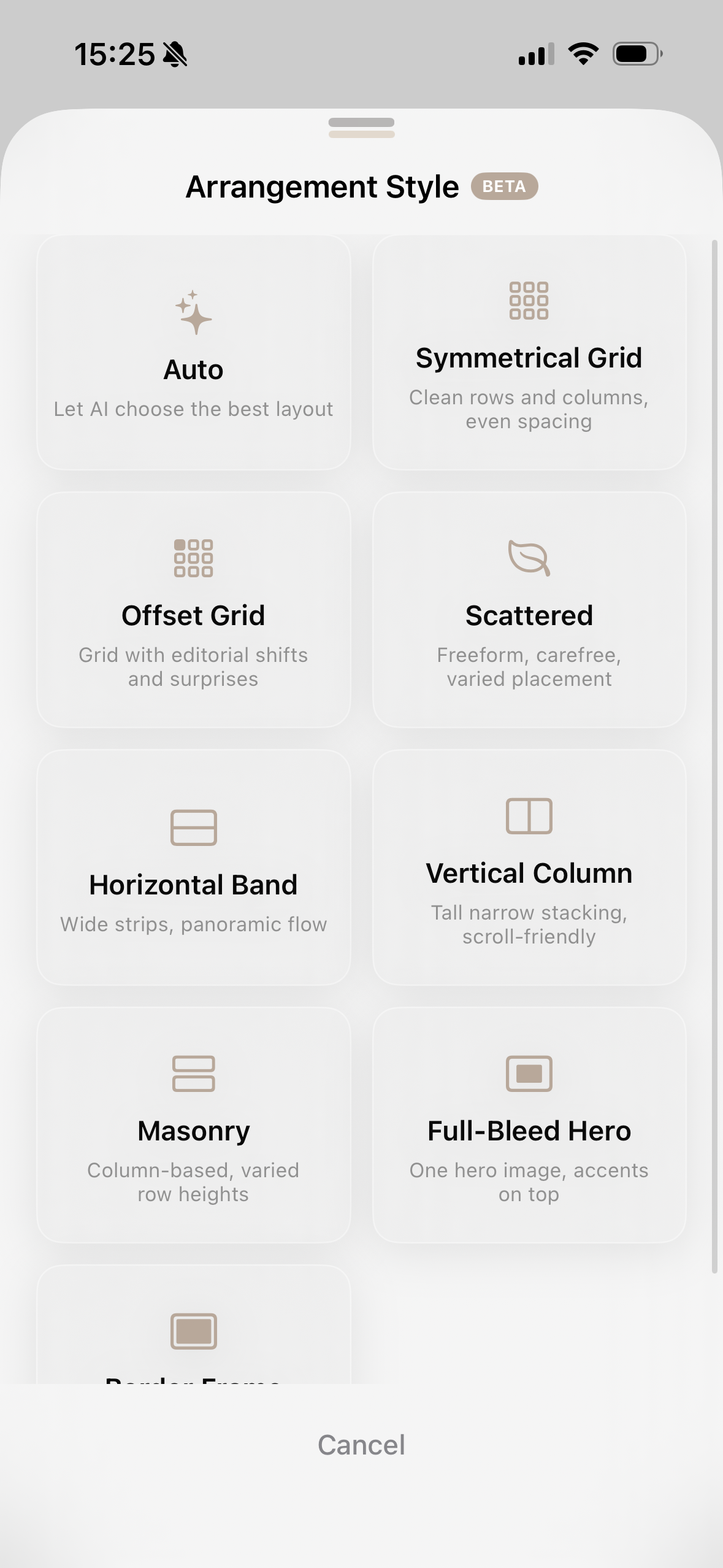
Every object on your board is fully editable. Tap to reveal a full set of editing tools — and make changes without ever leaving the canvas.
- Remove Background — clean cutouts with a single tap
- Crop any image directly on the board
- Bring Forward and Send Backward for full layer control
- Duplicate any object instantly
- Add a decorative border in any colour