Available on iOS
Your creative vision, woven into boards.
Minimal. Beautiful. Yours.
Crafted for creatives
Everything you need to
capture a mood.
Built with restraint. Every feature earns its place — no clutter, no overwhelm, just a canvas that gets out of your way.
Photo Import
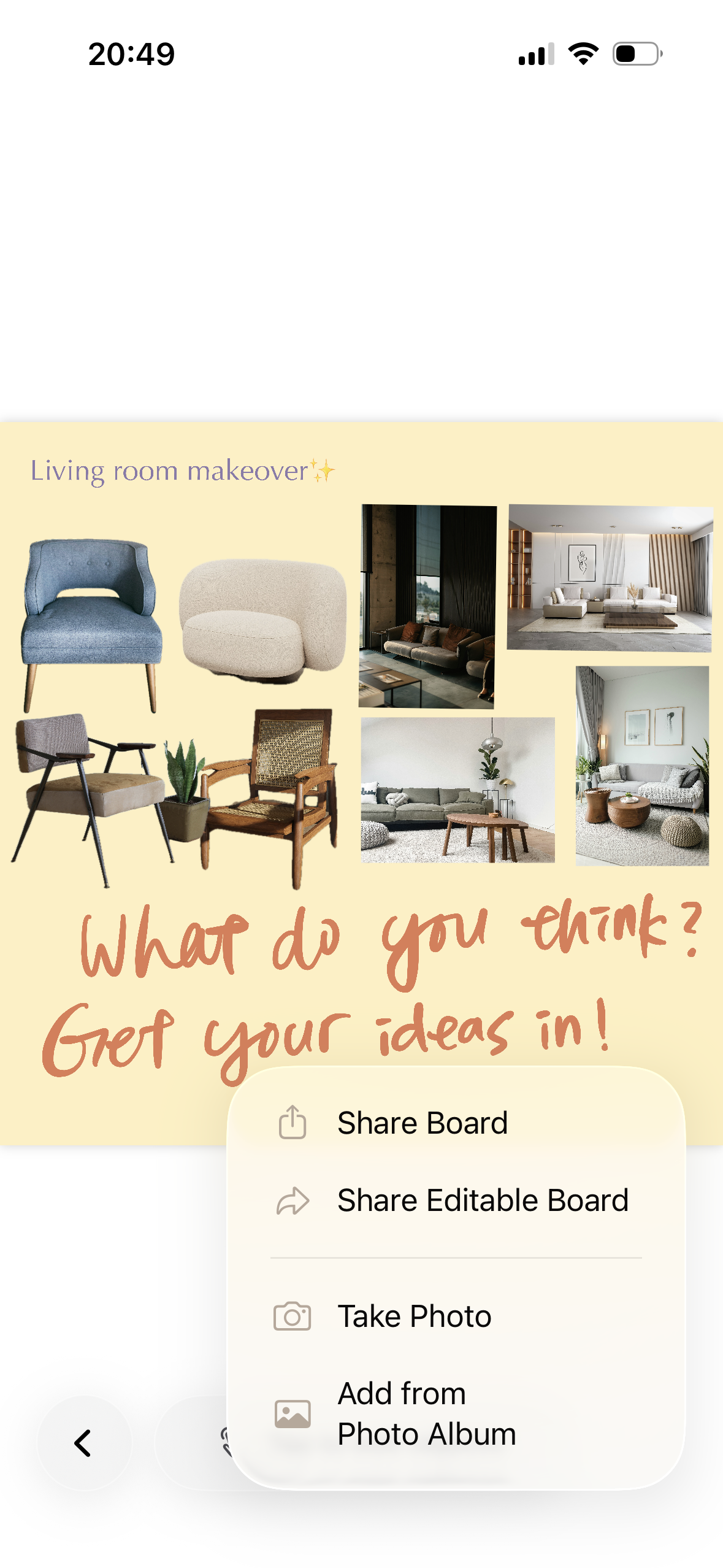
Pull images directly from your camera roll or take photos in-app. Arrange, scale, and rotate with intuitive multi-touch gestures.
Freehand Scribble
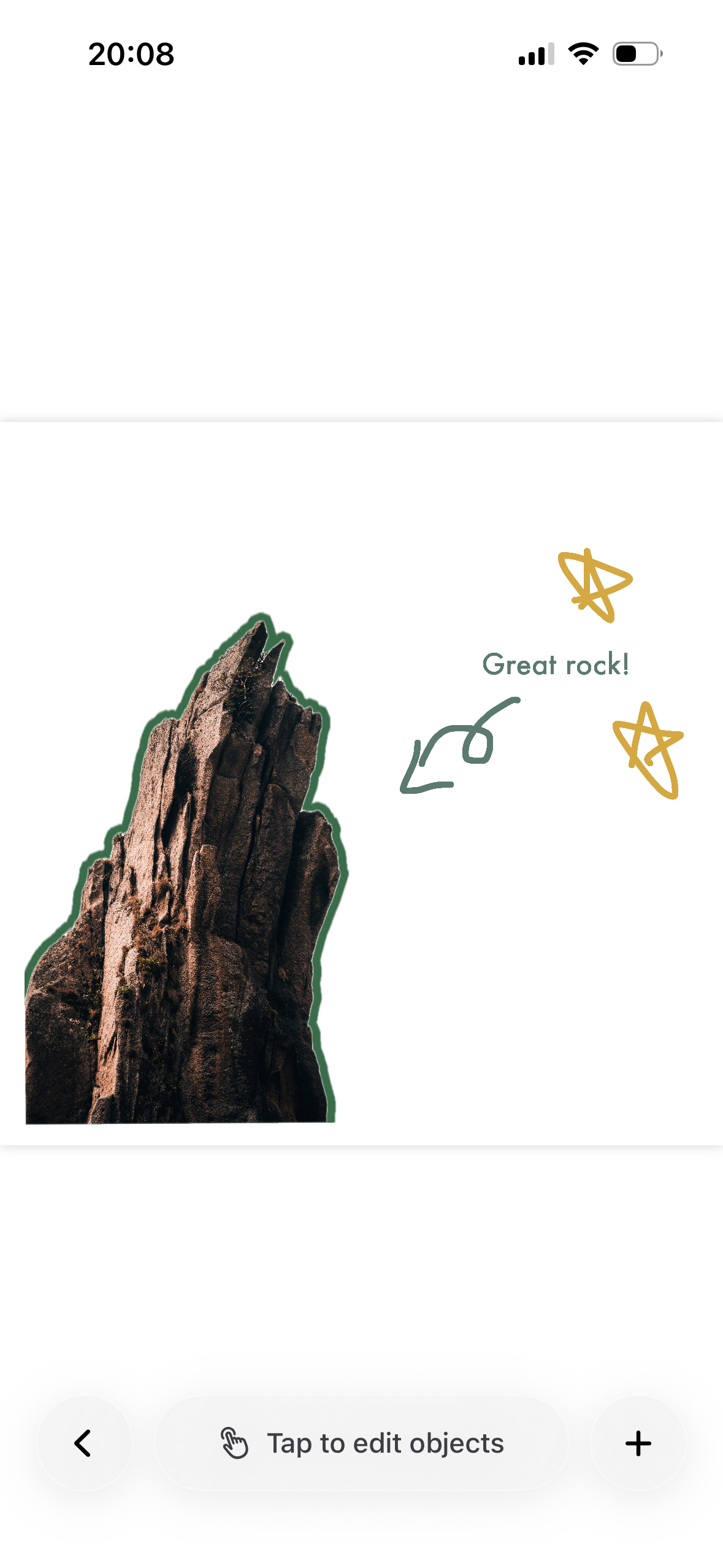
Express ideas beyond photos. Draw directly on your board with a pressure-sensitive pencil tool — perfect for annotations and sketches.
Rich Text
Layer words over images. Choose a typeface, size, and colour — then position and rotate freely on the canvas.
iCloud Sync
Your boards follow you. Seamless iCloud sync keeps every board up to date across all your devices, automatically.
Flexible Export
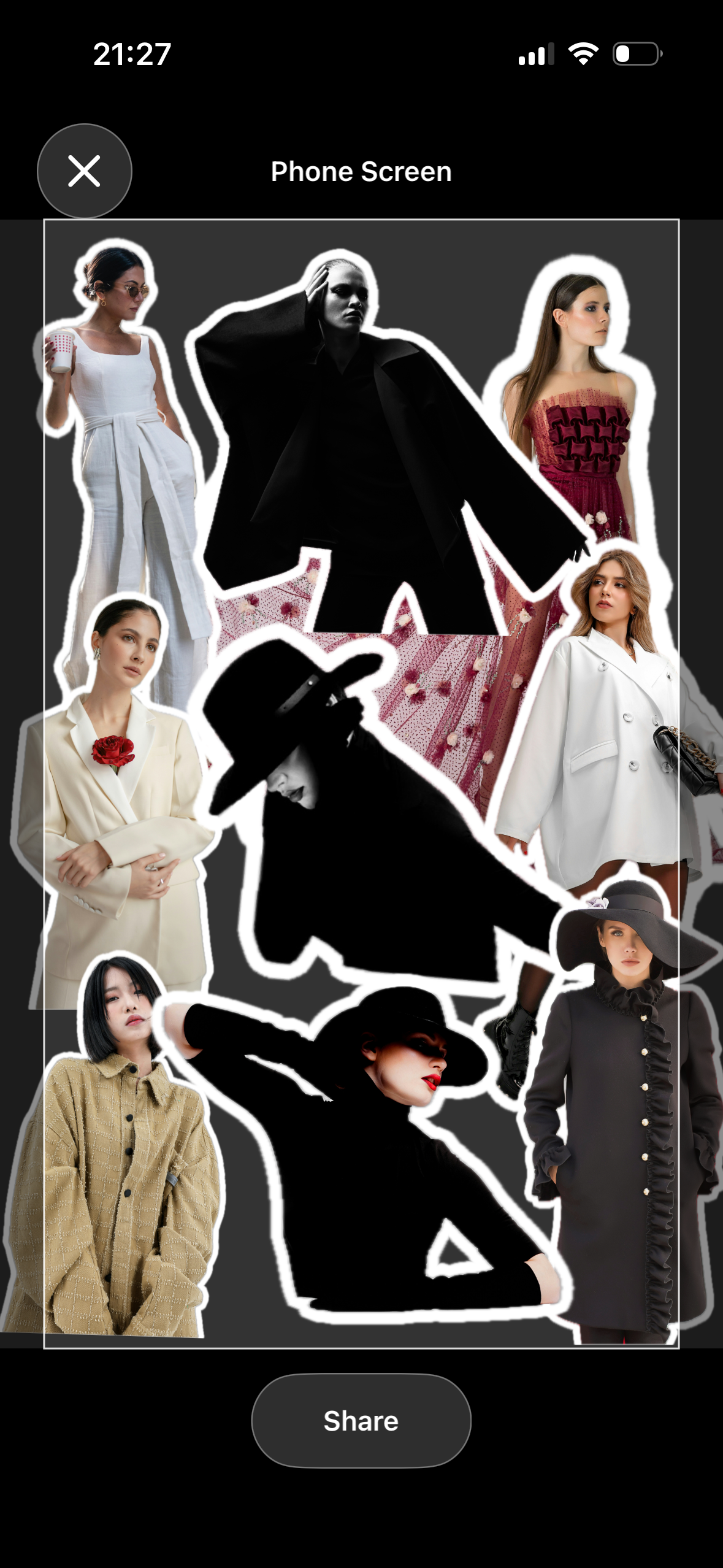
Export as a full-resolution square, a 9:16 phone wallpaper, or a full board view. Share anywhere, instantly.
Signed Packages
Share boards as cryptographically signed .loomboard files. Open them on any device with Loom installed — trust built in.
Shapes
Add rectangles, circles, triangles, and more to your board. Give each shape its own fill and border colour — they sit alongside your photos and text as first-class objects.
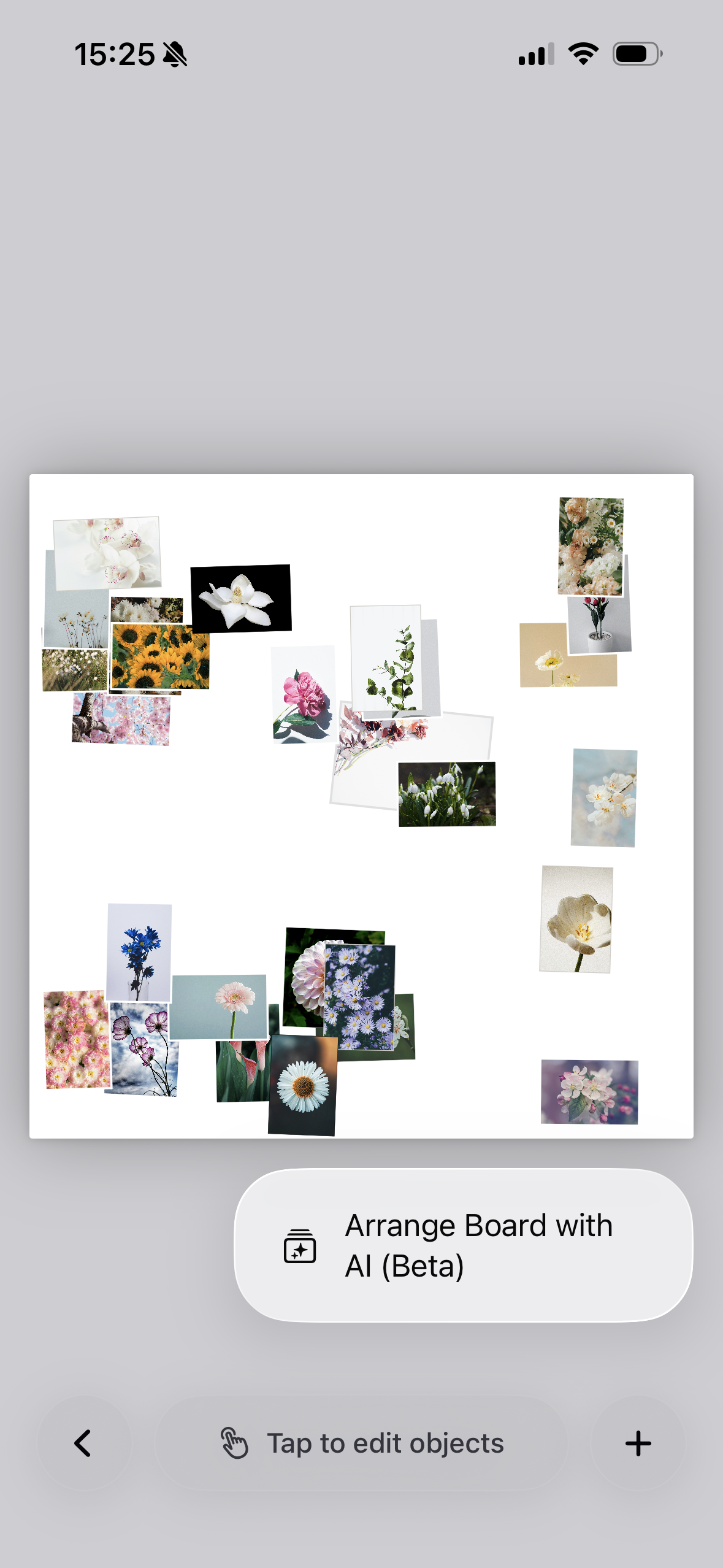
AI Arrange
Let Loom arrange your board for you. Pick from a range of intelligent layout styles — from tight grids to scattered — and preview the result before accepting.
Object Editing
Tap any image to access editing tools: remove the background, crop, control layering, and more — all without leaving the canvas.
Simple by design
From impulse to board
in seconds.
Create a board
Name it, pick a background colour, optionally set a cover image. Your blank canvas is ready in moments.
Add & arrange
Import photos from your library, draw freely with the scribble tool, or drop in a text layer. Drag, pinch, rotate — it's all gesture-driven.
Share your vision
Export at any size, send as a .loomboard file, or save straight to your photos. Your mood, your way.
Made with Loom
Every aesthetic.
One canvas.